Talk to your crew from the show phone in your pocket.
CueSurge Comms is a free iPhone app that pairs with your CueSurge desktop over Wi-Fi. Scan the pairing QR, pick your channel, hit PTT. Program-audio duck, live agenda mirror, on-air ribbon — already there.
Free download from the App Store. Requires a CueSurge desktop on the same Wi-Fi. No accounts, no cloud, no subscription.
Built for the crew who runs the room
Comms that mirrors the show, not a generic walkie-talkie app.
Because it’s wired to CueSurge, the phone knows which section is live, which cue just fired, and who’s cutting into program. That's the difference between an intercom your crew tolerates and an intercom your crew actually looks at.
The app
Show-room UI. Zero learning curve.
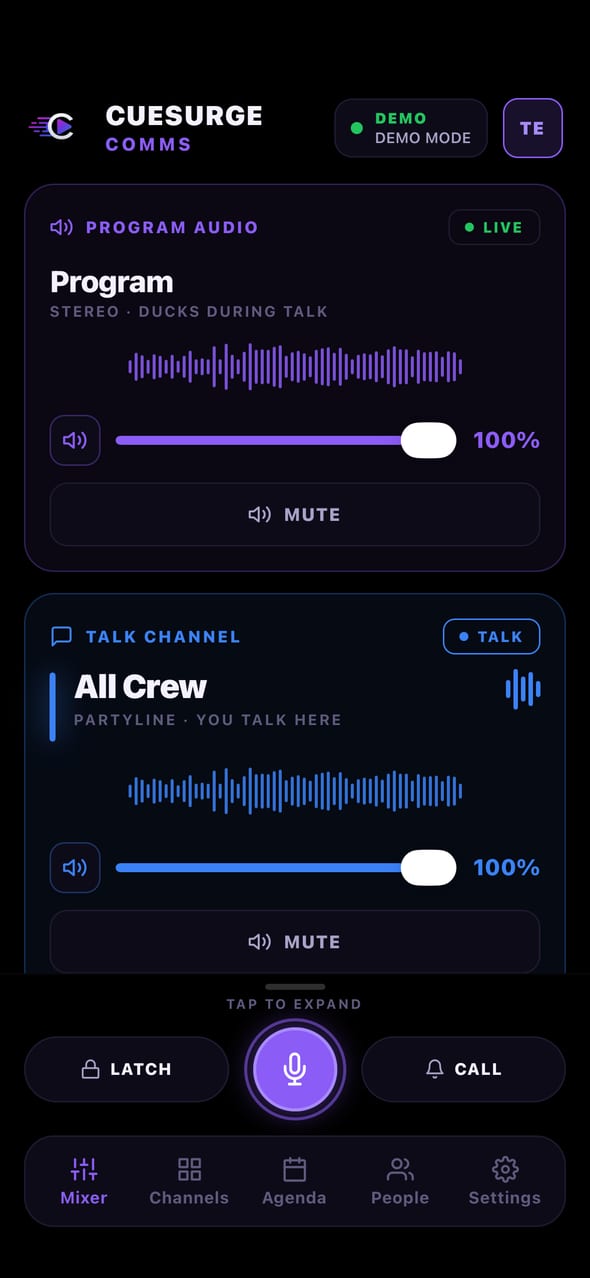
Every screen is one tap from the persistent PTT dock. Whatever tab you're on, the ON-AIR ribbon and comms controls stay visible — so the crew never lose the intercom to a menu.
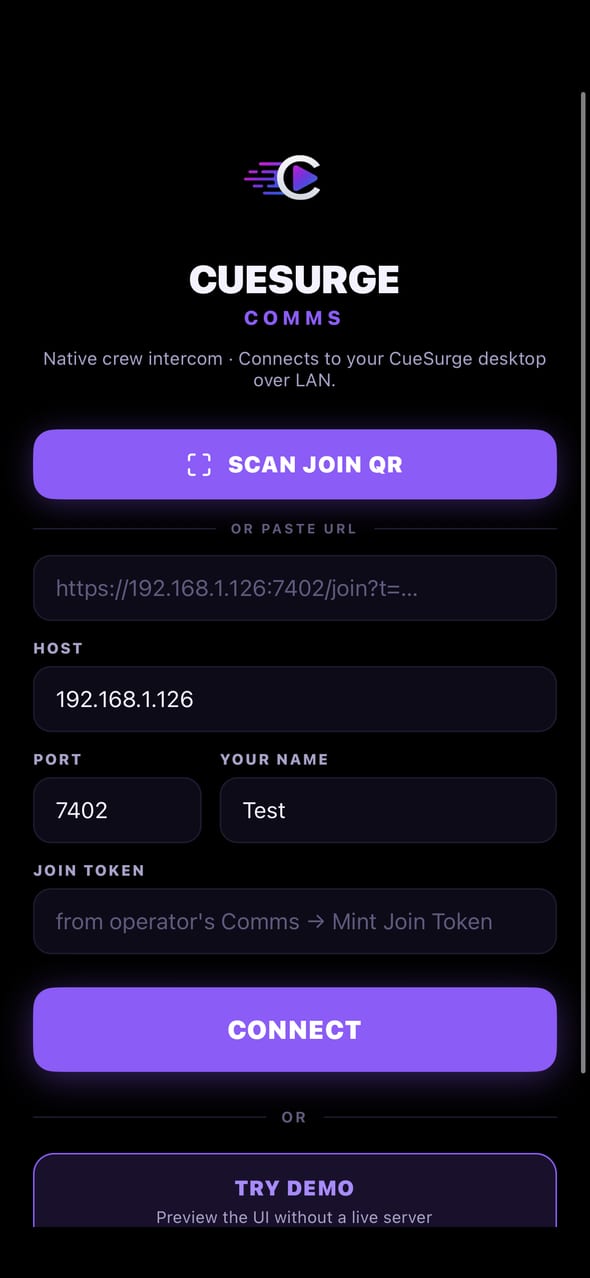
Get on comms without an IT ticket.
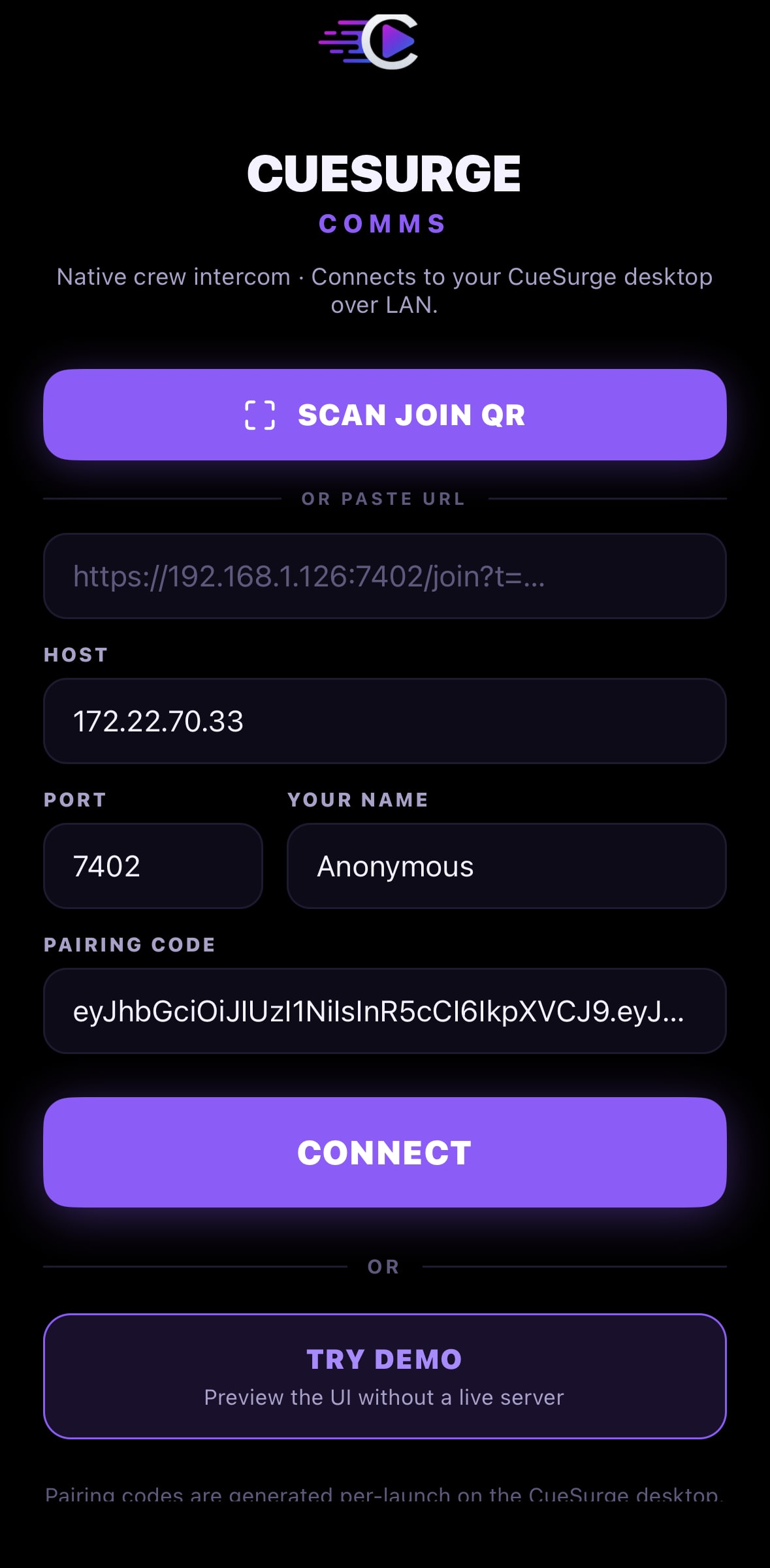
The operator shows a pairing code in CueSurge; the crew scans the QR from the CueSurge Comms iPhone app. No usernames, no accounts, no shared secret to type on a 4-inch screen at load-in.
- Slate desktop generates per-launch pairing codes (HS256-signed)
- iPhone camera reads Slate’s QR at 2– 4× zoom in dim rooms
- Trusted certificate flows through Safari on first join
Walkie-talkie routing that doesn’t bleed.
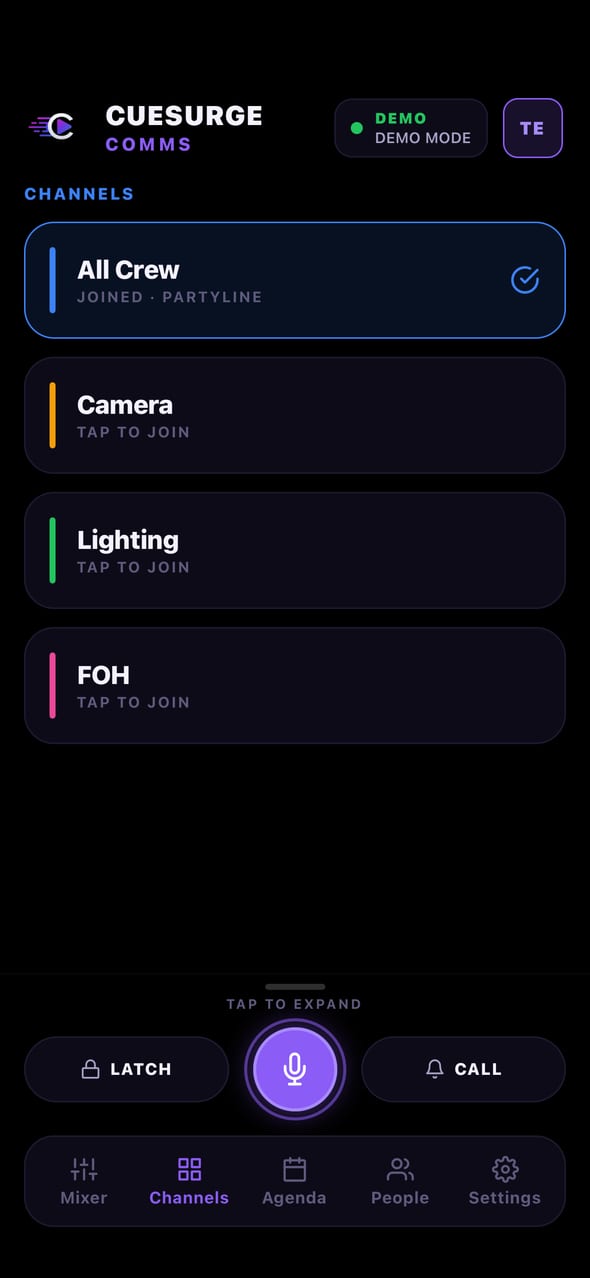
Camera, Lighting, Front-of-house, All-Crew — pick a channel and only that group hears you. Switching your channel switches what you hear too, so techs stay in their department without a shared partyline turning into noise.
- Selecting a channel scopes both talk and listen
- Program audio is always audible above every channel
- Duck-on-talk drops program the moment anyone speaks
The run-of-show, right on the crew’s phone.
The Agenda tab mirrors what the operator is firing on Program 1. The section that owns the currently-running cue lights up red as LIVE NOW; the next section reads blue as UP NEXT. Section color, icon, speaker, Zoom / Room / PIN / SPOTLIGHT callouts all ride along.
- Sections derive from CueSurge’s SectionCues — no separate authoring
- Live flips automatically the instant the operator fires into a section
- Estimated duration shown per section; countdown when it starts
Everyone sees who’s cutting into program.
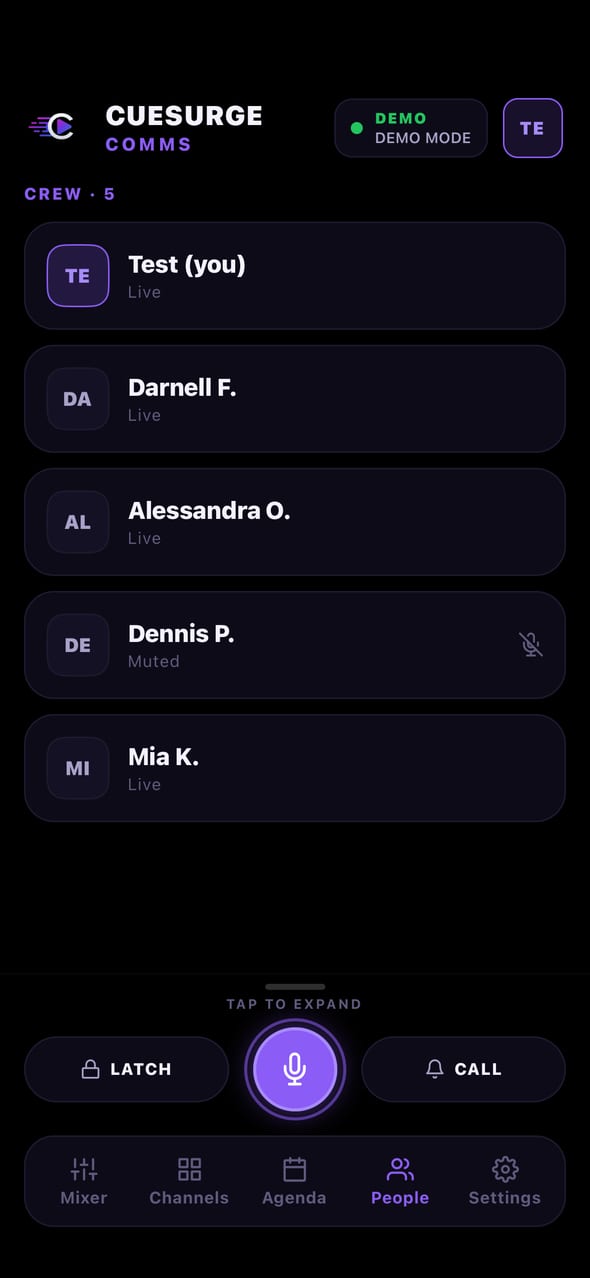
A slim red “ON AIR” ribbon sits under the header on every tab — avatar chip + name for anyone currently talking, plus a “+N” pill when the roster gets busy. No one has to jump to the People tab to see who’s on comms.
- Slides in the second someone hits PTT, out on silence
- Chips carry the crew member’s avatar (or initials fallback)
- Never blocks tab content — stays a ribbon, never full-screen
Locked screen. In-ear. Show-caller ready.
CueSurge Comms is a native iOS app, not a browser tab. Audio survives the phone locking, the phone going into a pocket, the operator switching apps. Push-to-talk, latch, per-channel gain — the muscle memory of a real belt-pack, on hardware everyone already carries.
- Native react-native-webrtc with per-track gain
- Duck-on-talk works both directions (self + inbound)
- Background audio mode declared so lock-screen keeps flowing
Feed the crew whatever’s on the mixer.
The operator picks any Windows audio input as the Program source — system loopback, Dante Virtual Soundcard receive, a specific USB interface. That feed publishes into the SFU as the “program” channel; the phone always subscribes so crew always hear the show.
- Any WDM input the OS can enumerate is a valid source
- Ideal for a Dante RX channel off the FOH mixer
- Ducks the moment anyone on comms starts talking
How it connects
Runs on your LAN. Nothing routed through us.
Slate stands up the comms server.
Your existing CueSurge desktop hosts the mediasoup SFU on port 7402. Nothing new to install — comms ships with CueSurge from 0.1.303 forward.
The crew scans the QR.
The operator generates a per-launch pairing code; each phone scans the QR from the CueSurge Comms iOS app. Codes are short-TTL and never leave the LAN.
The phone joins over WSS.
A private root CA is installed once on each crew iPhone; every future Slate on every future network is trusted automatically — no cert dance when you move rigs.
Talk, listen, mirror the show.
Push-to-talk over WebRTC. Program audio ducks automatically. The agenda pane flips LIVE / UP NEXT the moment the operator fires a cue.
Live · Free on iOS
CueSurge Comms is live on the App Store.
A free iPhone download that pairs with your CueSurge desktop over Wi-Fi. No accounts, no cloud, no subscription — scan the pairing QR, pick your channel, hit PTT.
Requires iPhone · iOS 16.4+ · CueSurge 0.1.352+