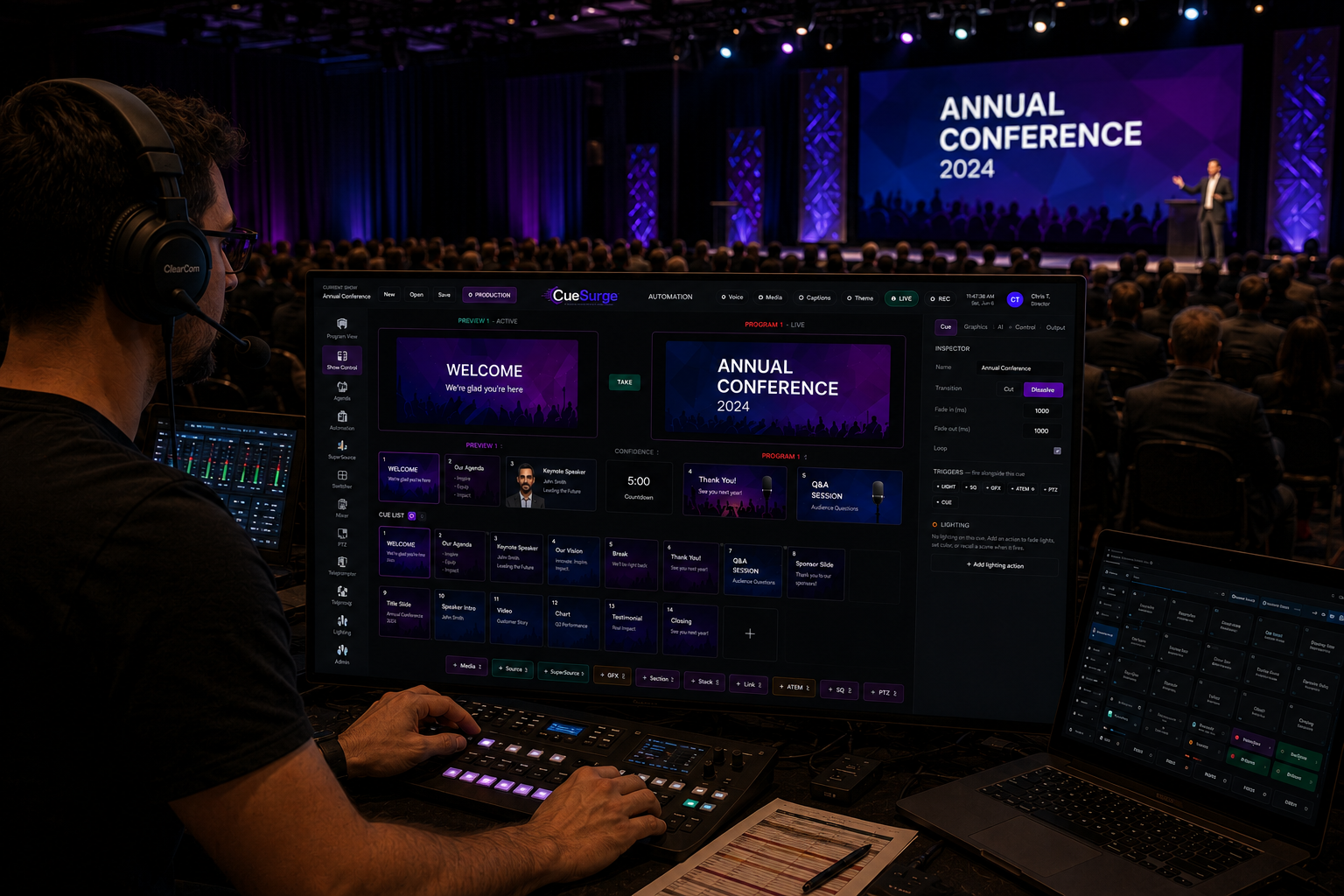
Everything you need to run a live show.
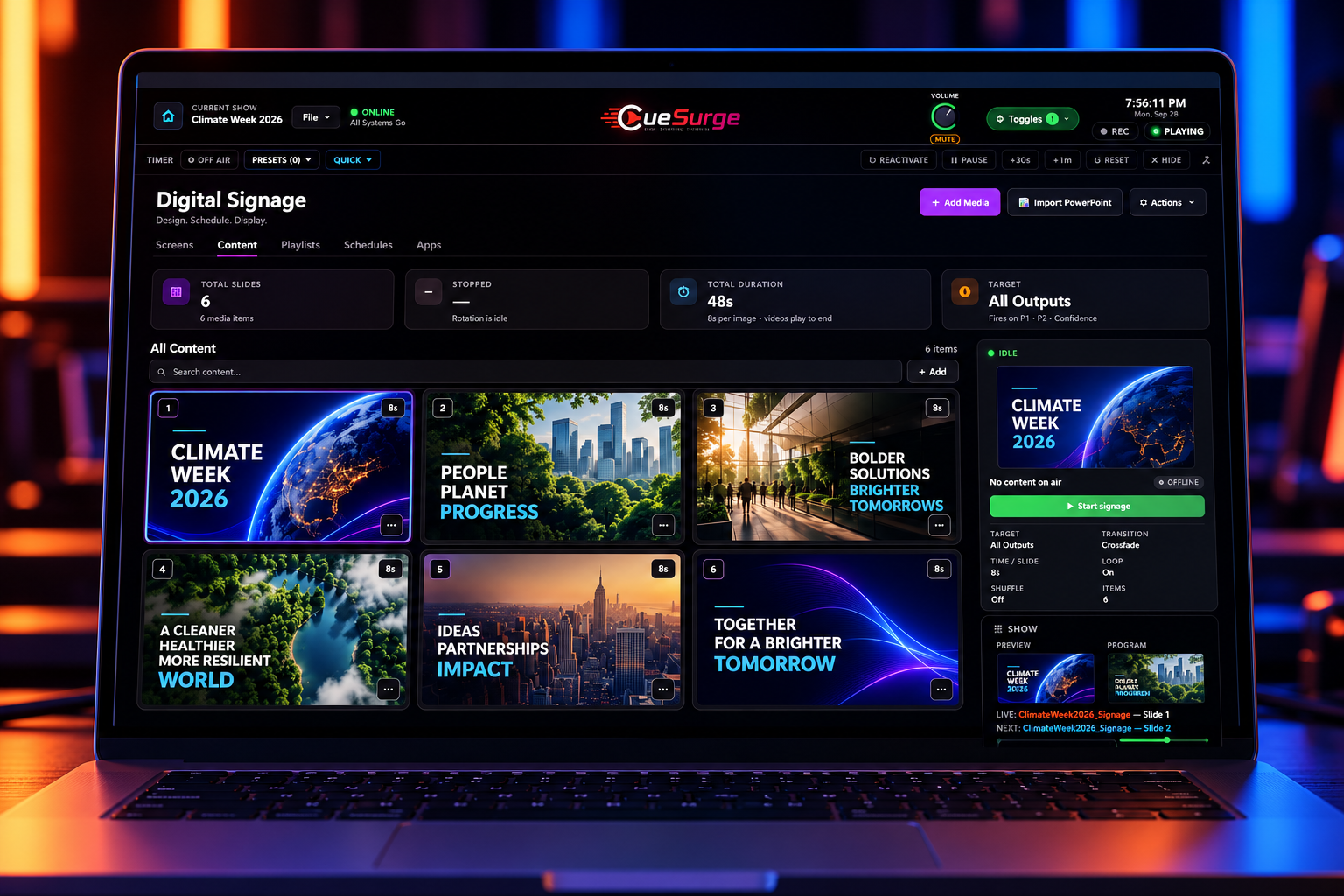
Digital Signage
Rotate images and videos on every output or on just one — Program 1, Program 2, or Confidence. Set the time per slide, pick from six transitions, loop or shuffle, and let videos play to the end. Start the rotation from the cue list or the iPad remote, and it hands the screens back cleanly when the show resumes.
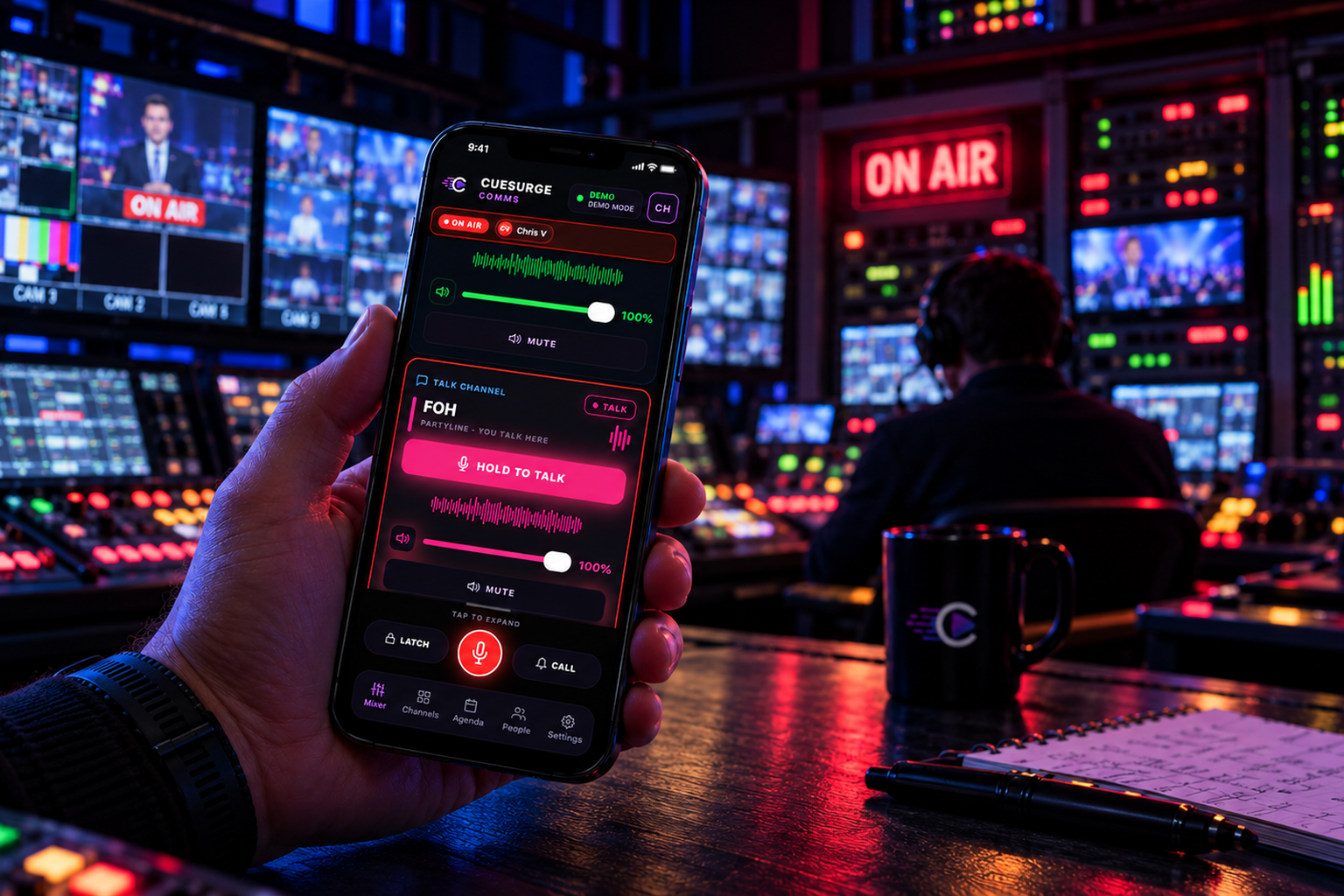
CueSurge Comms — now available on iOS
Crew intercom on iPhone. A free App Store download that pairs with your CueSurge desktop over Wi-Fi — scan the pairing QR, pick your channel, and hold to talk. Program-audio duck, a live agenda mirror, and the ON-AIR ribbon are built in. Everything stays on your LAN: no accounts, no cloud, no subscription.
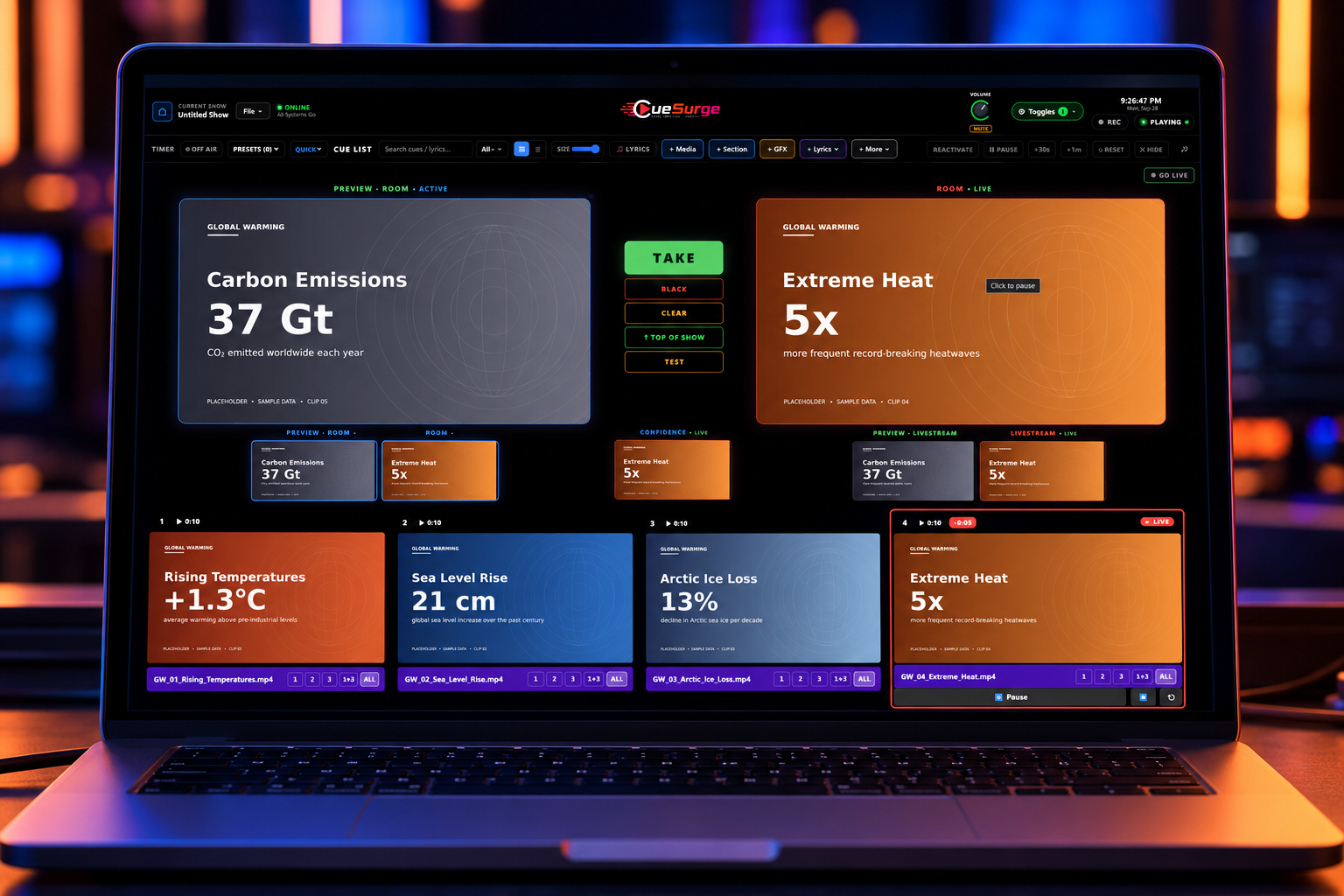
Pro Video & Slide Playback
Hardware-decoded video to dedicated outputs. Per-cue crossfades, trim handles, speed, gain, loop, and independent audio routing. Slide decks import from PDF, PowerPoint, or any image.
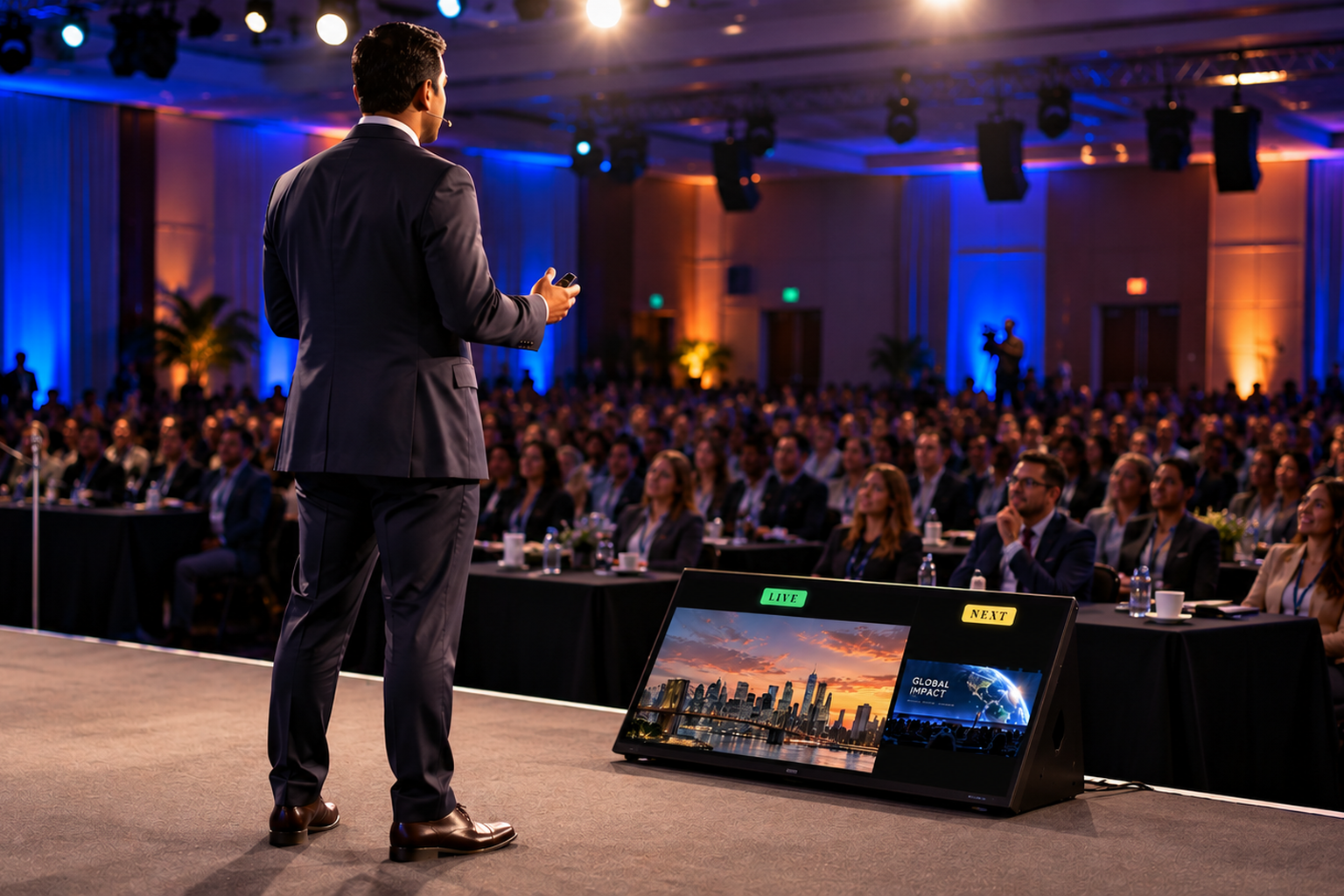
Confidence Monitor
A dedicated Confidence output for the stage monitor. Presenters see what is live and what is next, plus a countdown timer that glows when they run over — and you can flip it to the teleprompter script with one click. It runs on its own output, so the audience screens never show it.
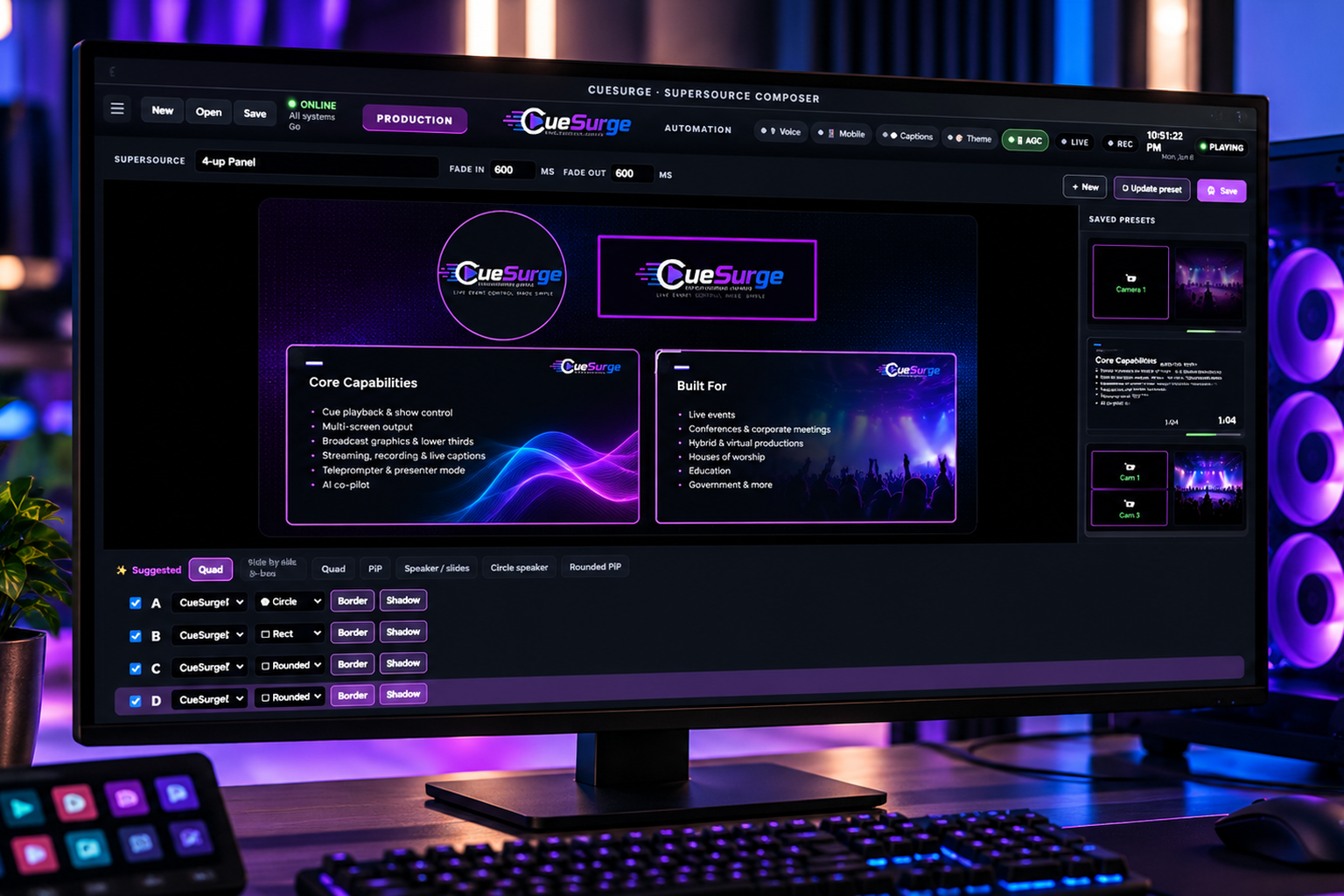
SuperSource Composer
Drag-resize live sources, slides, and program feeds into a single composition. Picture-in-picture, 2-up, 4-up panels — save layouts as presets and recall them as cues.
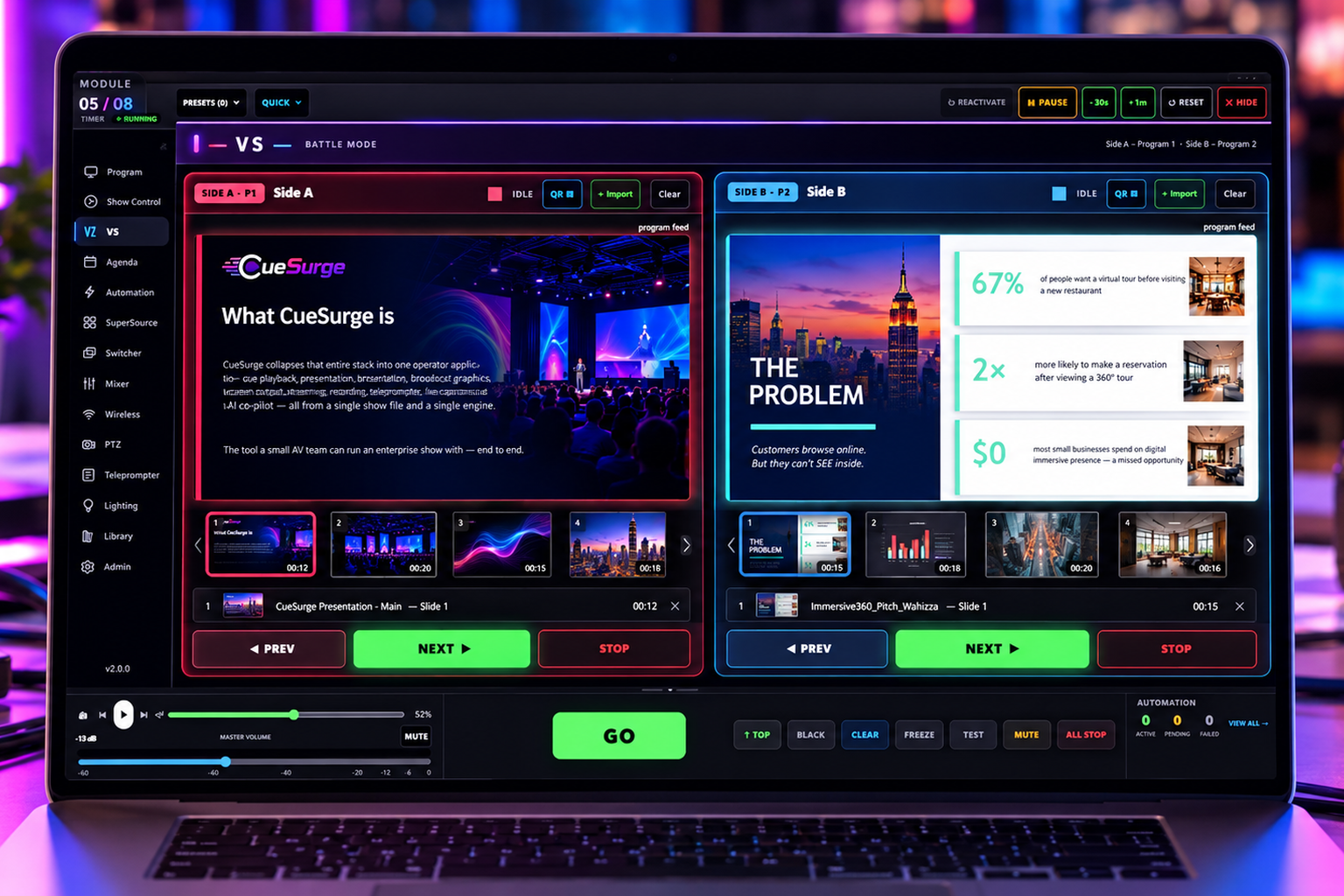
VS Battle Mode
Side-by-side dual-program mode for band battles, debate stages, and A/B pitch shootouts. Two independent slide decks + PREV / NEXT / STOP per side, live program feeds, and a QR-code hand-off so each team drives their own side from a phone.
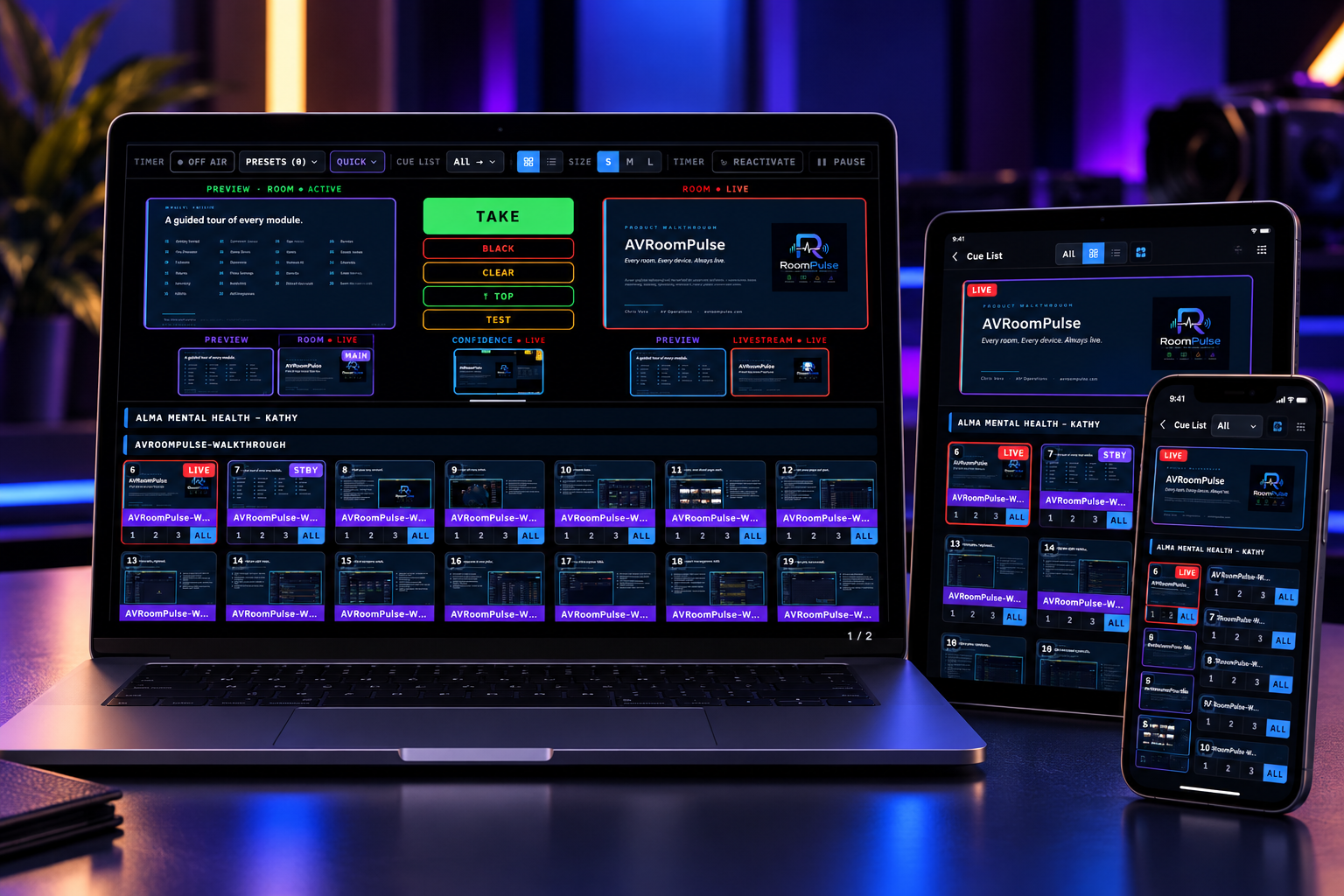
QR Remote — instant hand-off
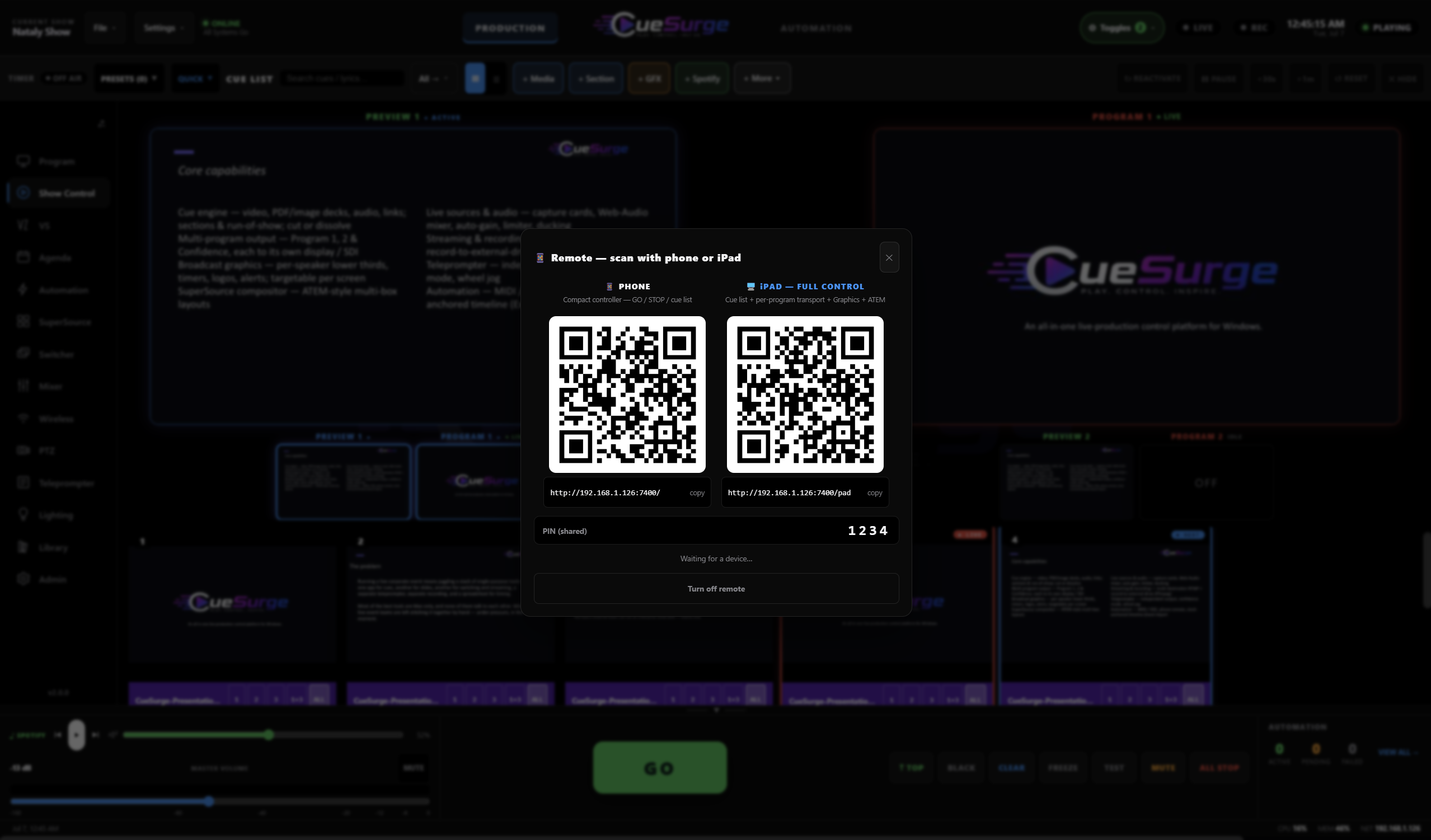
Scan a QR code from the operator window and the phone or iPad becomes a controller. Two roles — Phone (compact GO / STOP / cue list) or iPad (cue list + per-program transport + Graphics + ATEM). PIN-gated, LAN-only, no accounts, no cloud. Hand a producer an iPad and walk away.
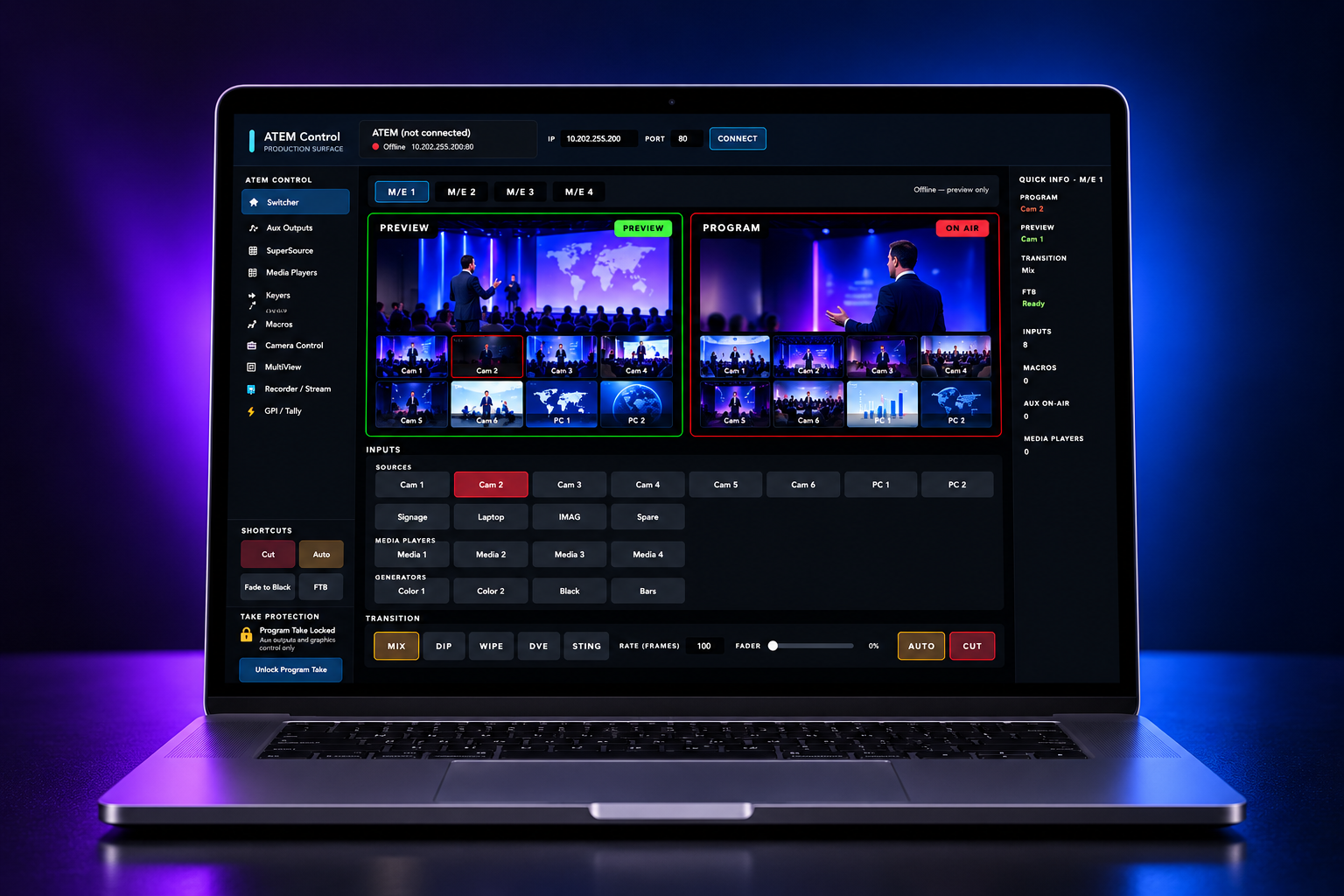
Switcher Control
Direct Blackmagic ATEM control over IP. Program / Preview tiles, transition style + rate, AUX routing, USK / DSK keyers, macros, and fader bar — drive it from the operator window or from cues.
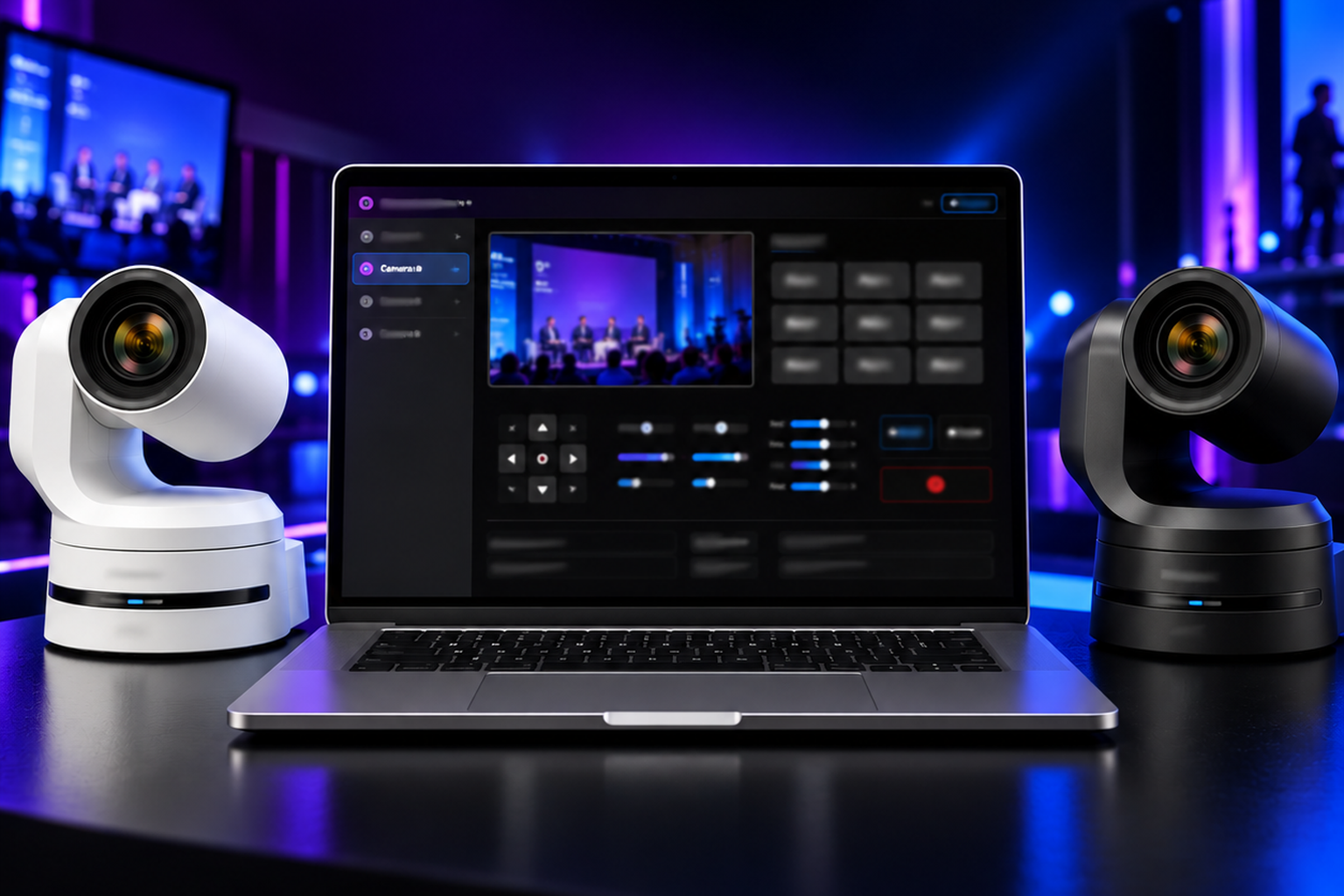
PTZ Camera Control
Panasonic AW-UE, Sony VISCA, and PTZOptics cameras. Joystick + 9 presets per camera, live snapshot preview, and per-camera profiles. Fire camera moves from the cue list.
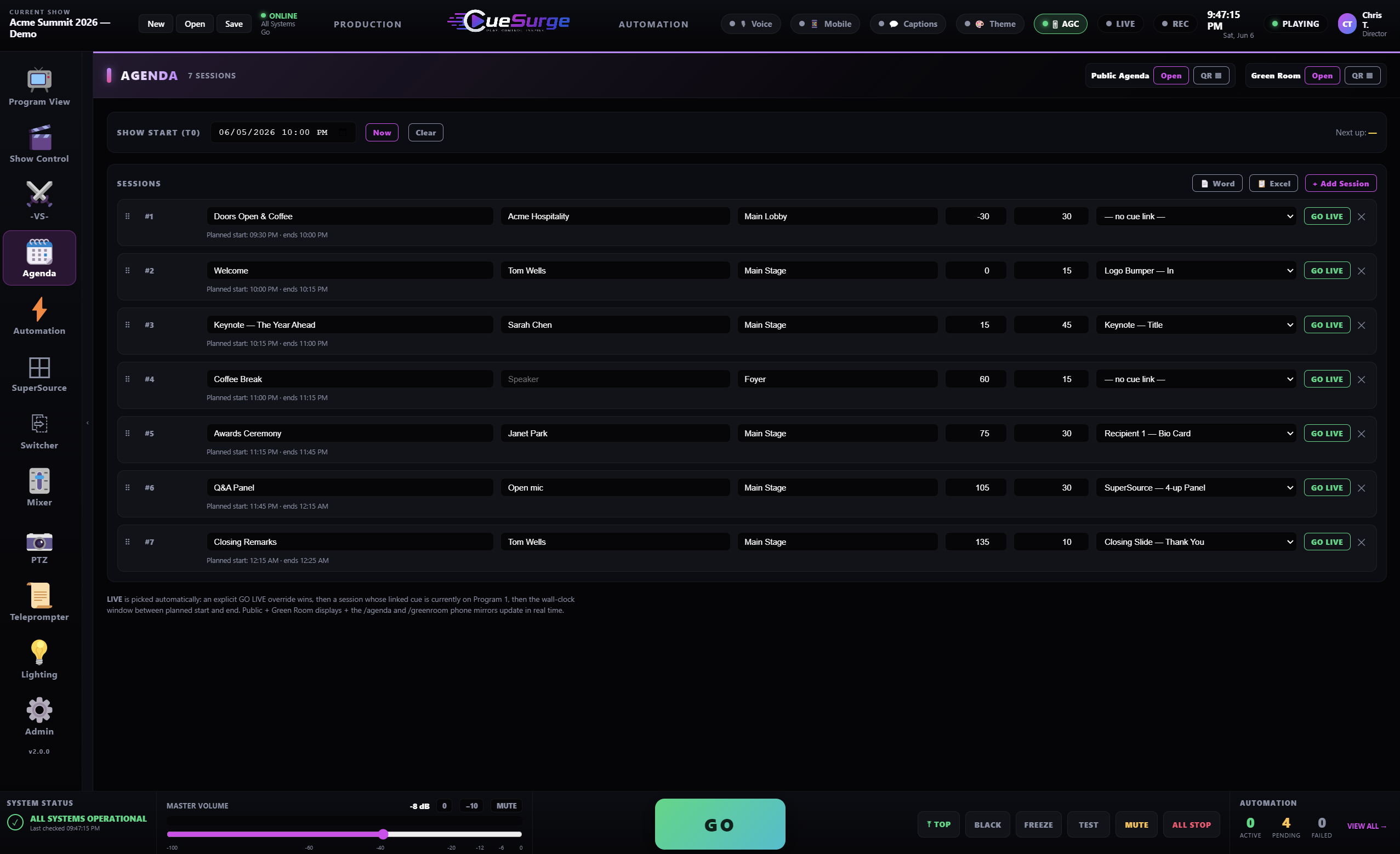
Live Agenda Screens
Run-of-show sessions drive a public agenda overlay. Times push live, the current item highlights automatically, and delays propagate to every screen with one nudge.
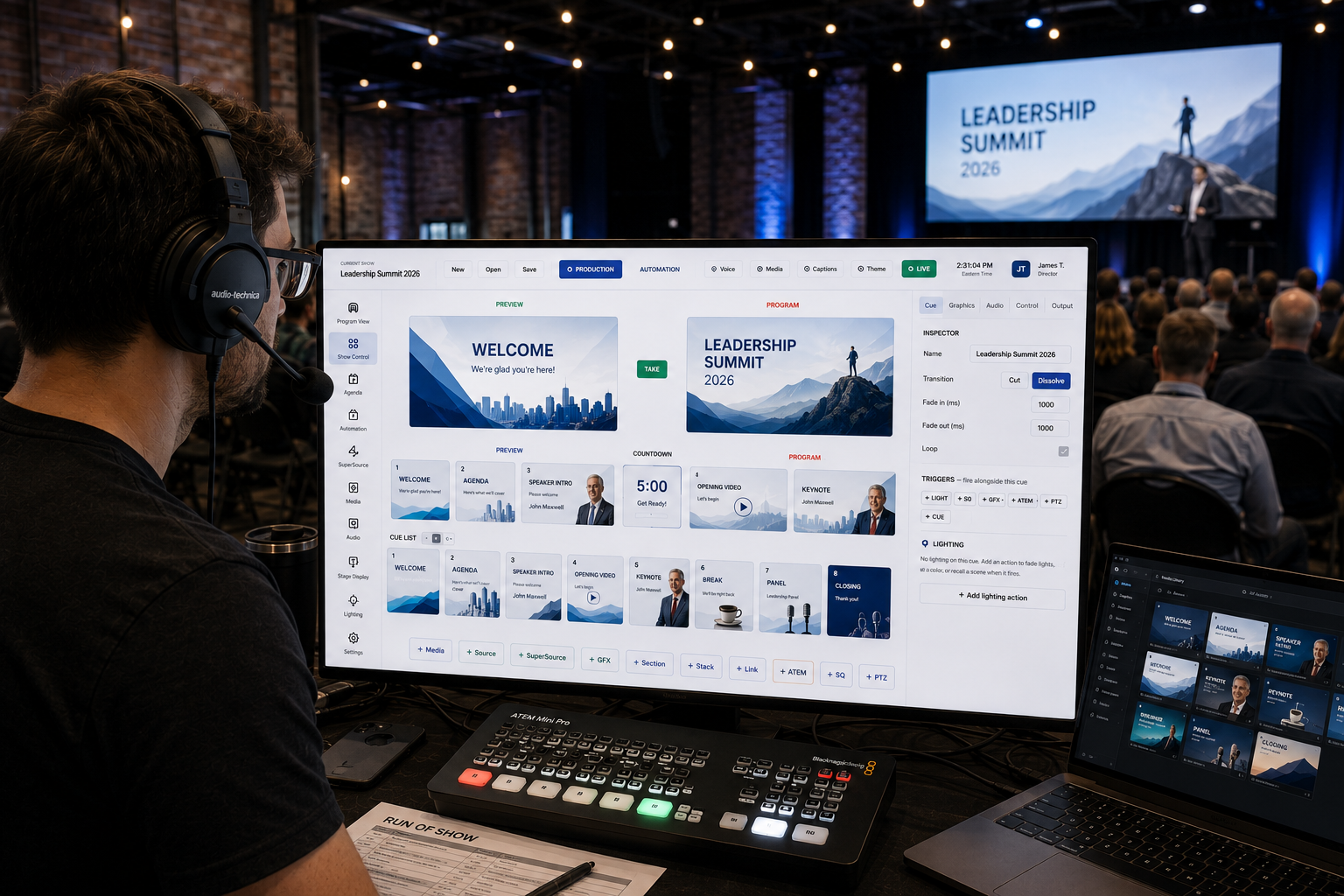
Presenter & Confidence
Send a confidence monitor to the stage with its own timer, alerts, lower-thirds, and time-of-day clock — independent of what the audience sees on Program.
Green Room Display
Backstage display: what cue is LIVE, what is NEXT, how much time is left, and any speaker callouts. Drop it on any monitor backstage and it follows the show automatically.
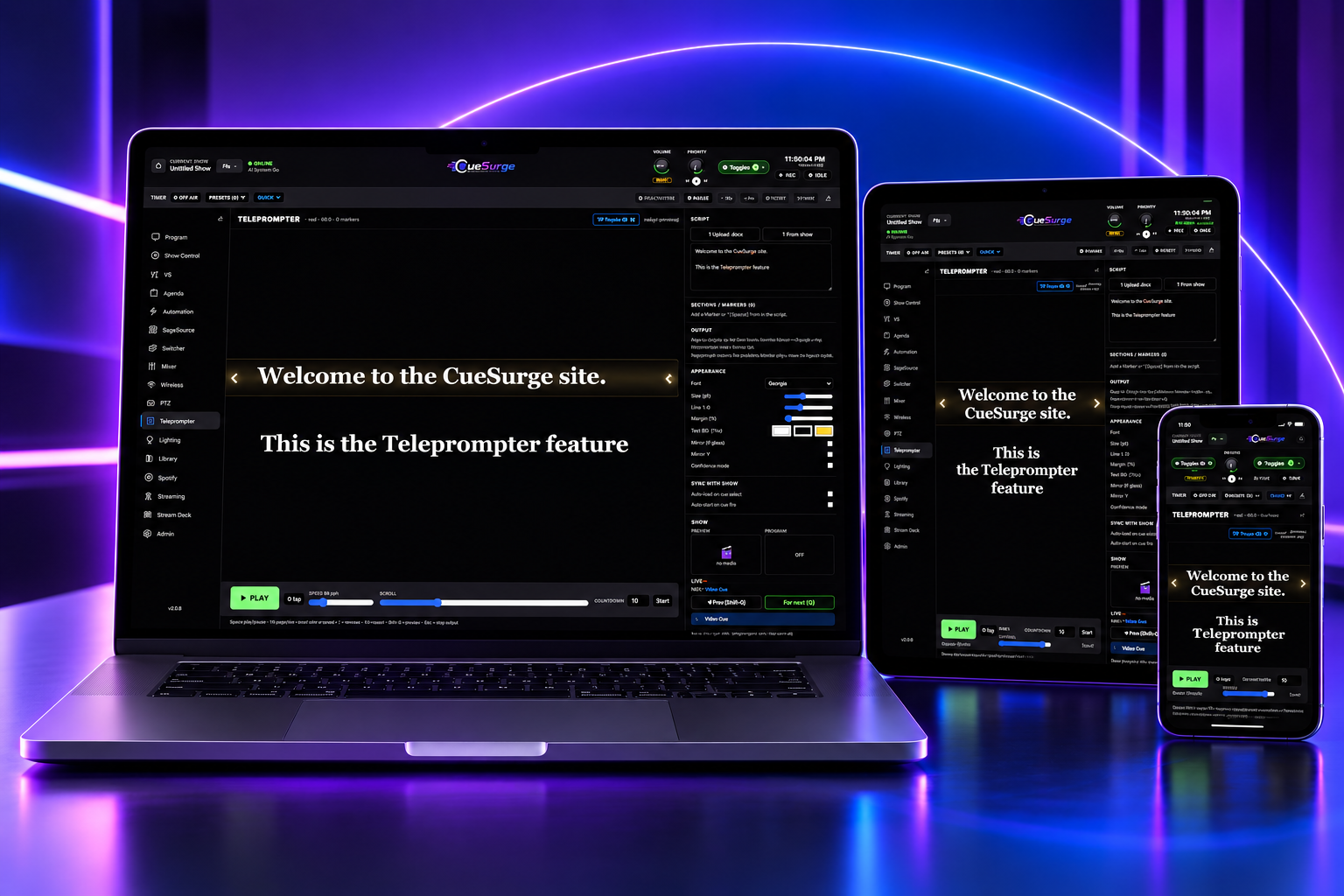
Teleprompter
Operator-driven teleprompter with big readable text and section markers. Auto-jump to a cue's linked marker when the cue fires. Mirror H/V for prompter glass.
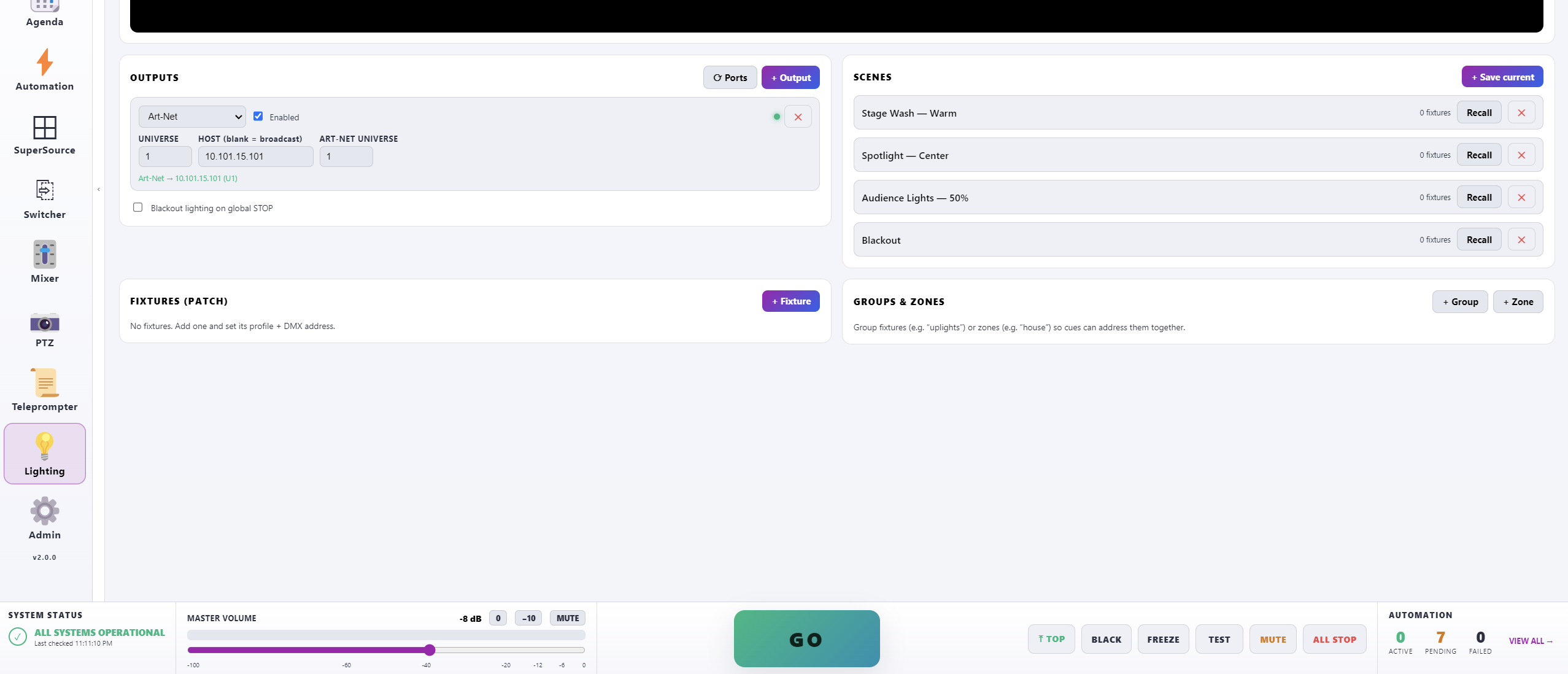
DMX Lighting Cues
DMX-USB, Art-Net, and sACN transports. Fixtures, groups, zones, and saved scenes. Lighting is a first-class part of the cue stack — fire stage washes, blackouts, or specific color/intensity sets right alongside video.
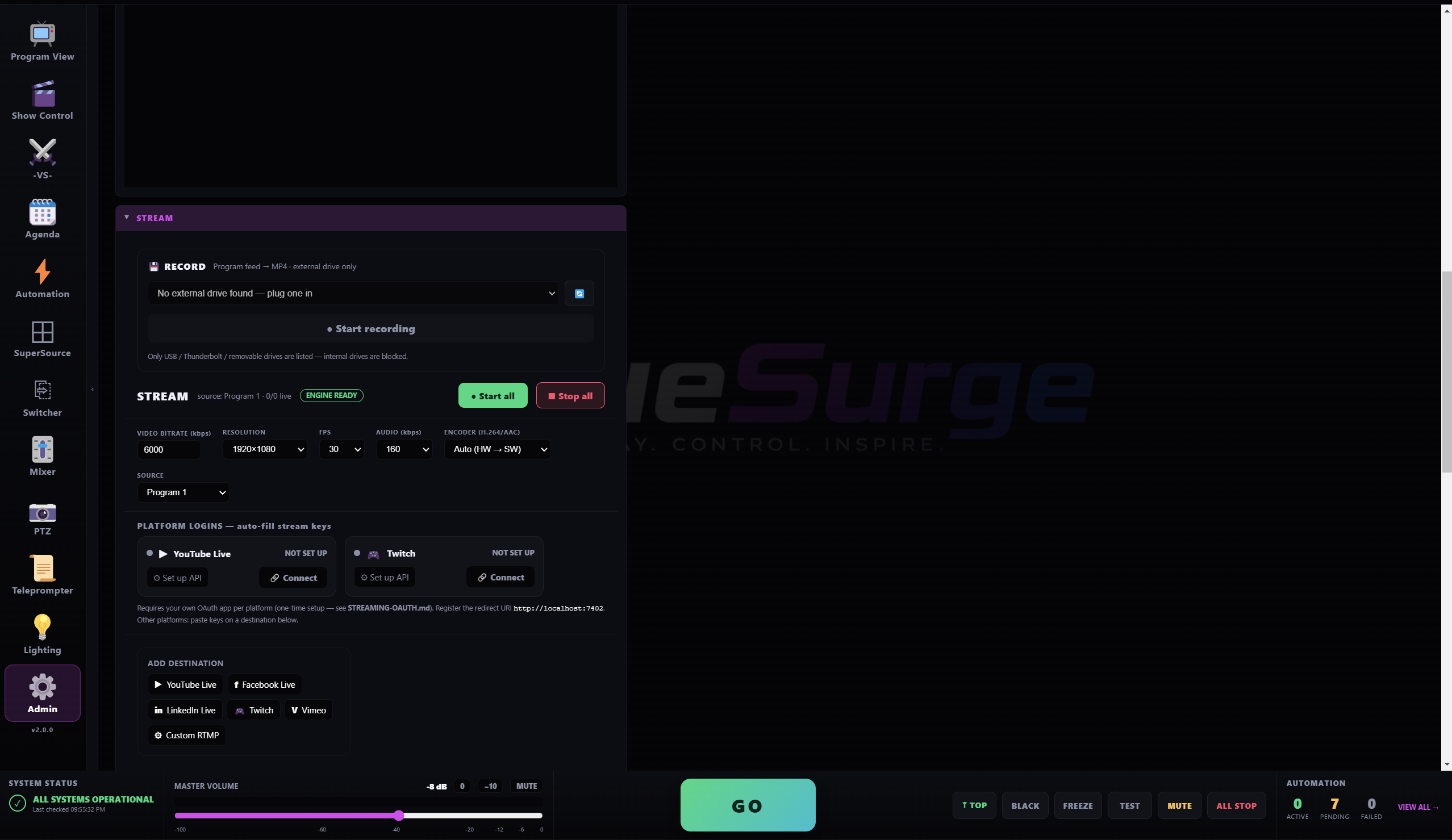
Streaming & Recording
Push Program to YouTube Live, Twitch, LinkedIn, Facebook, Vimeo, or any custom RTMP target. Record locally to MP4 with one click. Multiple destinations from a single feed.
Remotes & External Control
Elgato Stream Deck, MIDI, OSC, and voice control — bind any cue or action to any control source. Sits on top of the QR remote flow, so you can run one show from all of them at once.
Light & Dark Mode
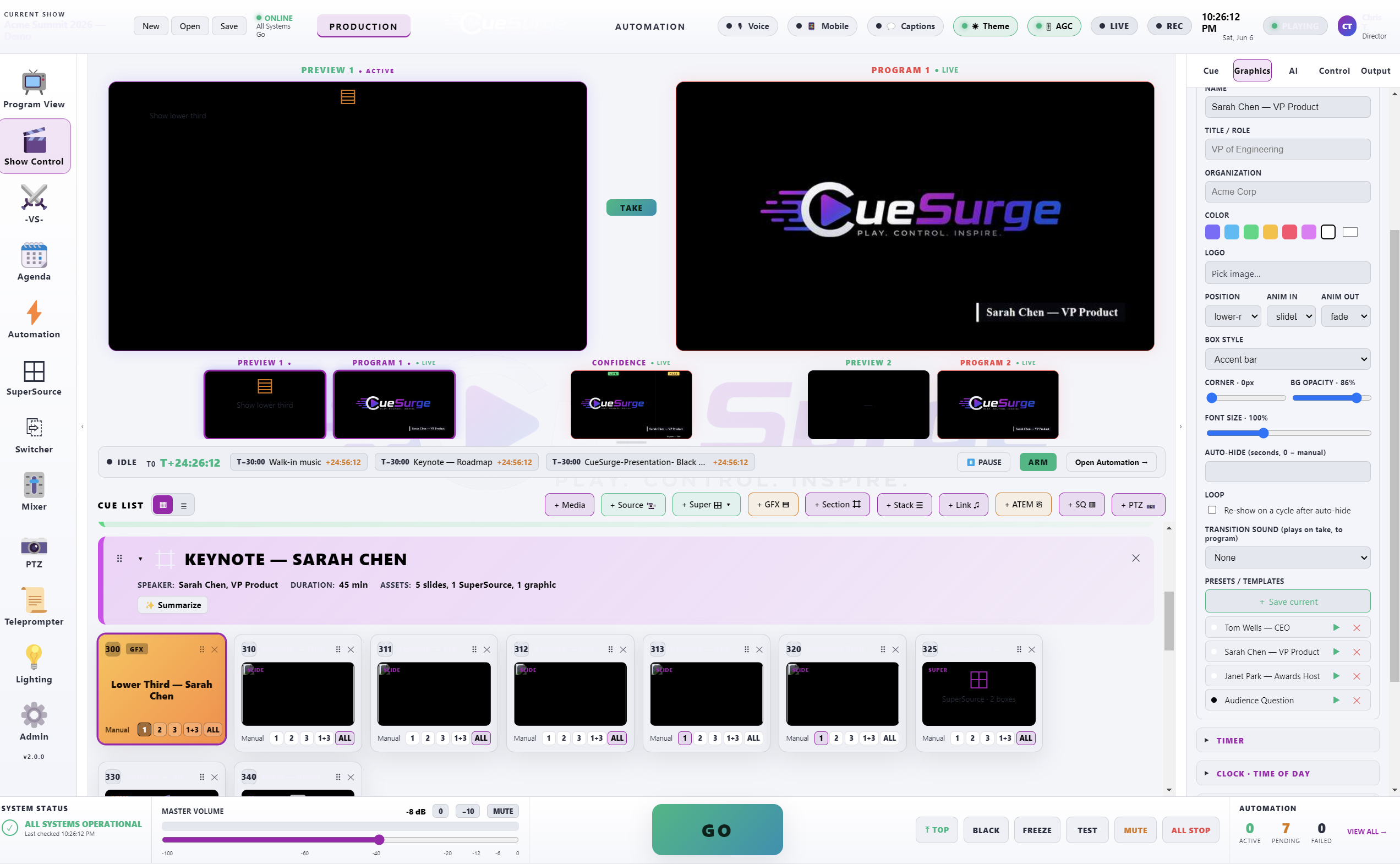
Deep cinematic dark by default. One-click switch to a crisp light theme with true-black text — for front-of-house rooms with bright LED walls or stations where a dark operator UI would clash. Persistent across launches.
Everything wired into one cue list.
Skip the screenshots — open it on your rig.